


ehweil
edia
Because usic moves you.

Sehweil Media in Sehweil OS moves your body, now you can stream your favorite music on your TV, HIND speaker or any BlueTooth speaker you connect to the HuB to start moving your body.
Sehweil PWA helps you control the rhythm you need.
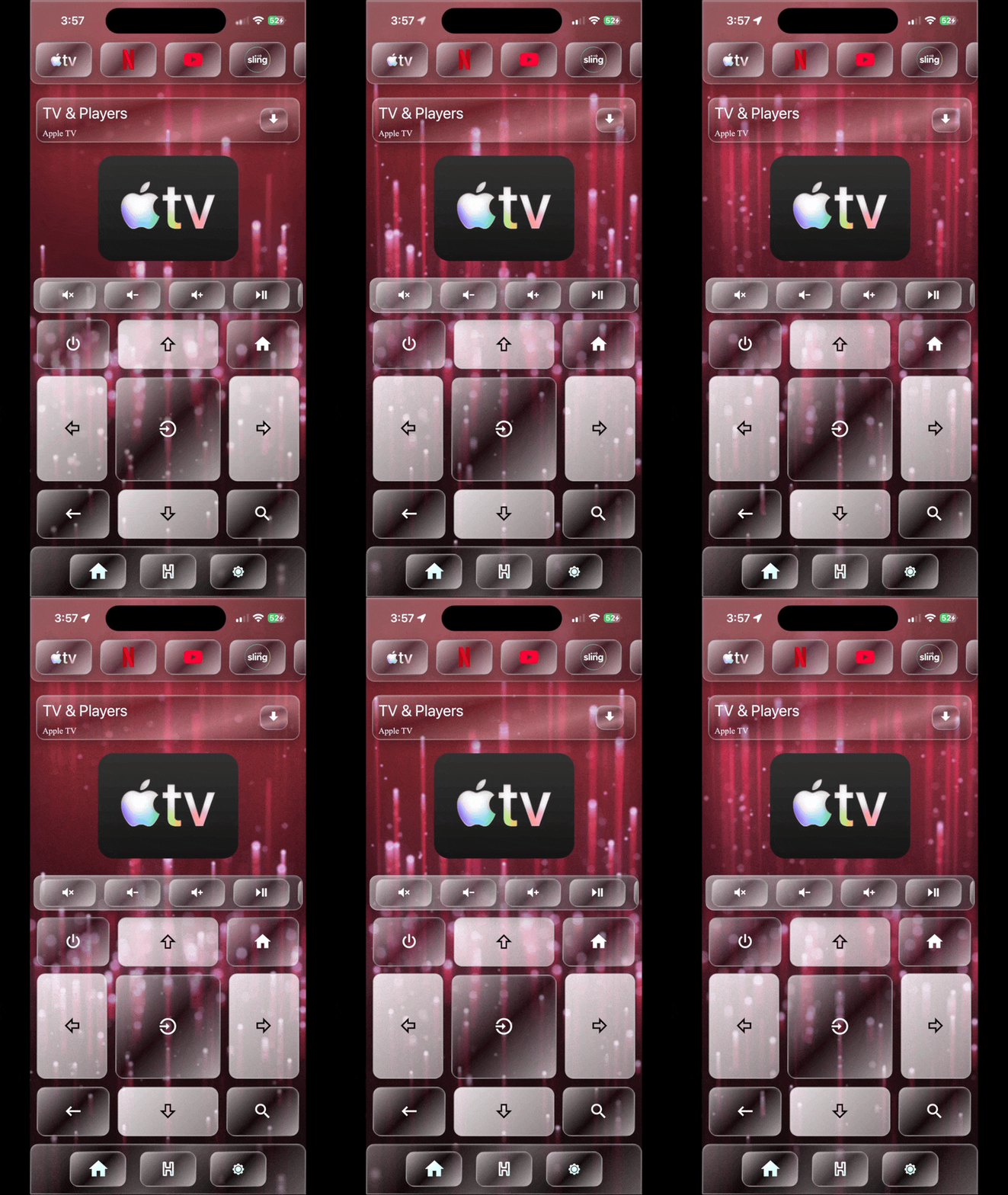

Sehweil PWA easy and advanced control help you play your favorite music and stream it while your jamming with the music. Sehweil PWA is a new way of streaming your music and the source of the sound rhyming with you.*
Spotify & Dance.

Sehweil OS natively support Spotify, you can play your favorite music straight out of your pocket using your phone, you can play your favorite music and playlist and stream it on any device you want.*
Let the lights dance with you.

Sehweil OS 1.0 will come with the dancing light feature. Dancing light are bascily lights changing colors based on the music you are playing.*
-- The sound source for the music must be connected to Sehweil OS.
-- Spotify, streaming music via Sehweil PWA and dancing lights are available with Sehweil OS 1.0.
Sehweil OS is designed for your music.
Sehweil OS is designed to give you a rich experience of listening and streaming your music to the deferent sources, it is easy to use not missing any feature.
OS
ehweil
USIC
Straight out of your pocket.
Now you can control your music straight out of your pocket just pull your phone out, open Sehweil PWA and start streaming your music.
Source Matters.
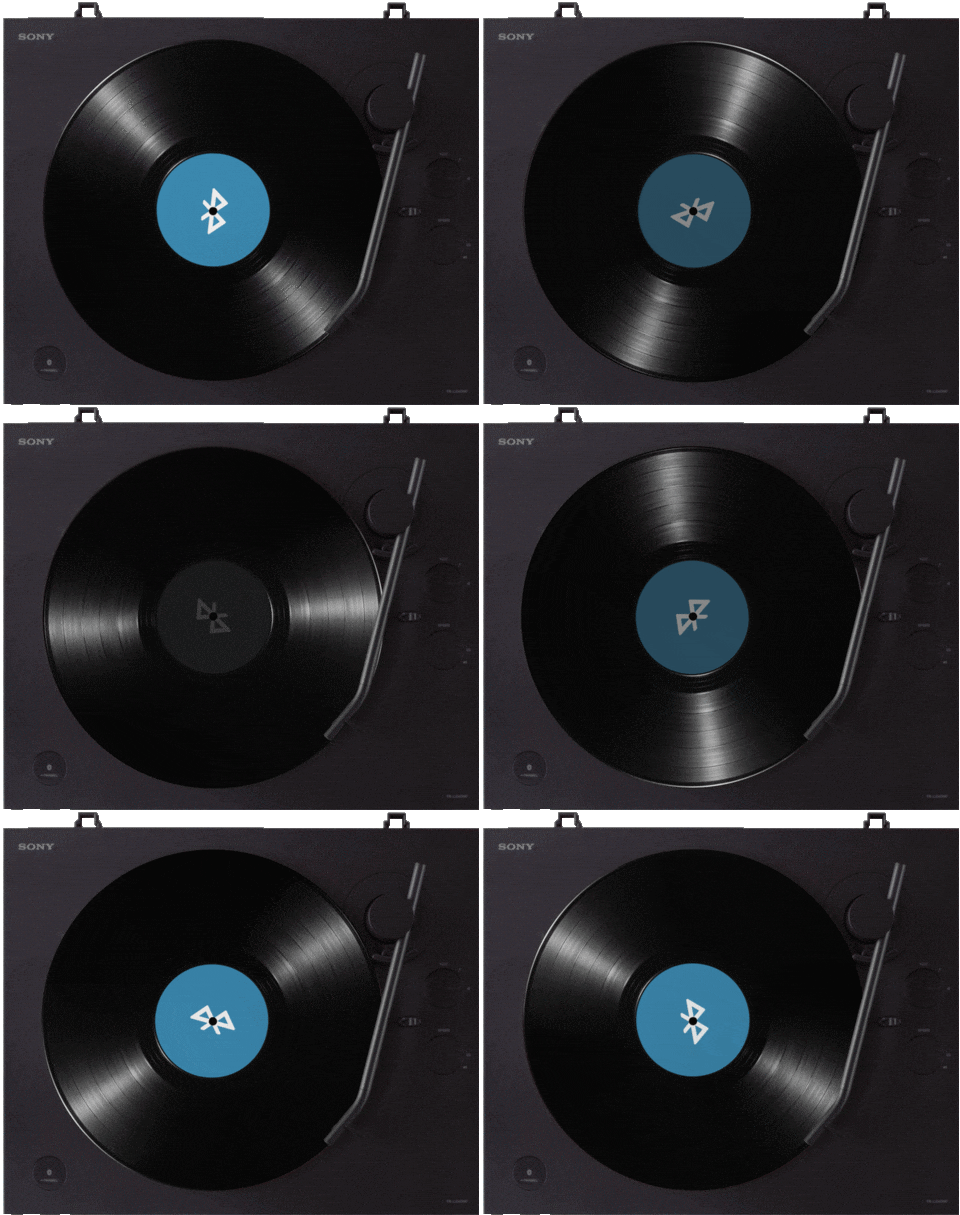


Because we believe that you should have the option to play your music in the place and source you need the music to play at that's why Sehweil OS removes the restriction on where to play your music.
BlueTooth Speaker is all you need.



From Sehweil PWA home screen go to settings icon in bottom bar.


From network settings page click on connect a speaker under bluetooth section
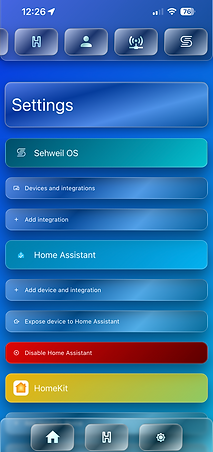

From settings main page hit the network icon on the top bar.
Select the Bluetooth speaker you want to pair with Sehweil OS.



And just like that, you have HIND on any BlueTooth speaker.*

Connect Sehweil OS with Spotify and let the dancing begin.
Connect your Spotify account to Sehweil OS and start listening to your favorite music and playlist.
How to connect Spotify to Sehweil OS?


From Sehweil PWA home screen go to settings icon in bottom bar.
Scroll down and click on connect Spotify account.


Enter your Spotify user name and password.